
Use GratiaPay card with Google Pay
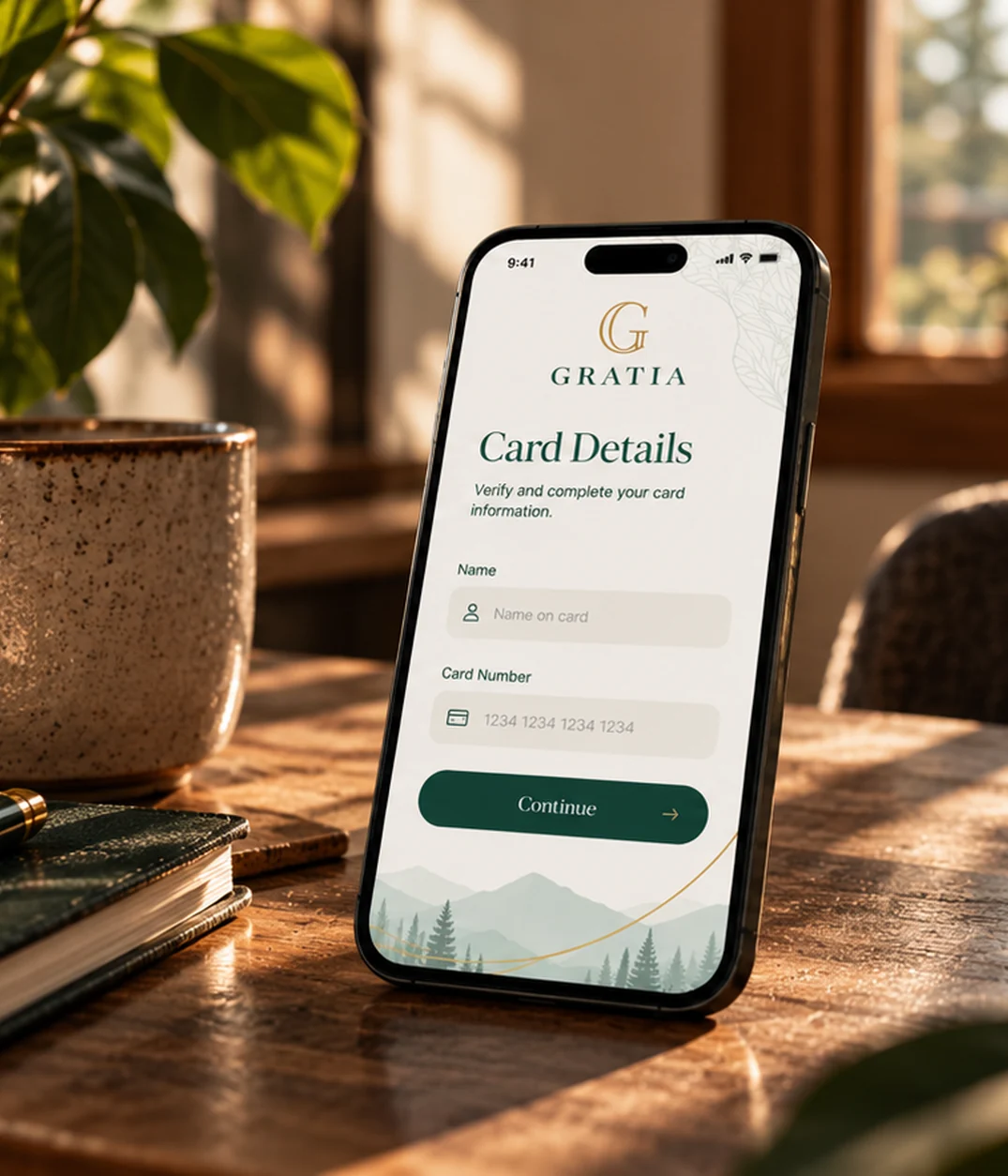
ADD YOUR CARD
How to add a card
Adding your card to Google Pay is simple. Here’s how to get started.
- Open the Google Wallet app. At the bottom, tap Add to Wallet.
- Tap Payment card. Any cards you saved to your Google Account are shown.
- Tap New credit or debit card. To add a card, use your camera or tap Enter details manually.
- At the bottom, tap Save. Read the Issuer Terms and tap Accept.
- If you’re asked to verify your payment method, choose an option from the list. Learn how to verify your payment method.
- In some cases, additional verification may be required if the information on your device (name, address, or phone number) doesn’t match our records. The verification phone number will appear during setup. If you get stuck while adding your card to Google Wallet and don’t receive a code, call 1-888-803-9916 or email cardsupport@gratiapay.com for assistance.
check out process
How to pay
- To check your tap-to-pay setup, open the Google Wallet app.
- At the top right, tap your profile picture or Account and then Tap to pay setup.
- Check if you’re ready to make contactless payments. To tap to pay with Google Wallet.
- Near field communication (NFC) must be turned on.
- To make a tap-to-pay transaction with a card in your Google Wallet, Google Pay should be set as your default payment app.
- Set up a screen lock
- Your phone must meet the security requirements.
- Turn on your screen, then unlock your phone. You don’t need to open the Google Wallet app.
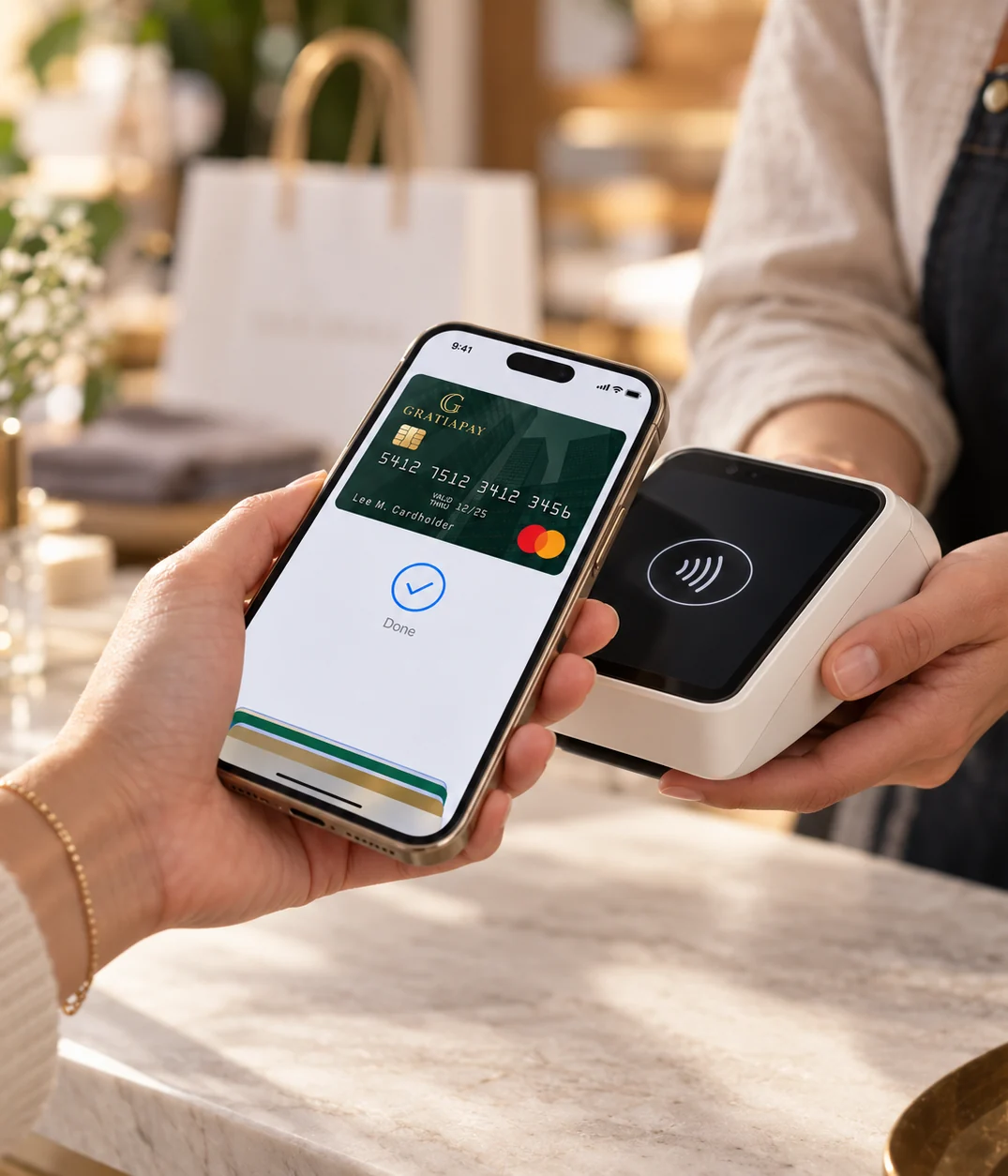
- Hold the back of your phone close to the payment reader for a few seconds. When you’re done paying, a blue check mark appears on the screen.
- At checkout, tap the Google Pay button.
- If asked, choose a payment method and enter your shipping address.
- Confirm your order.
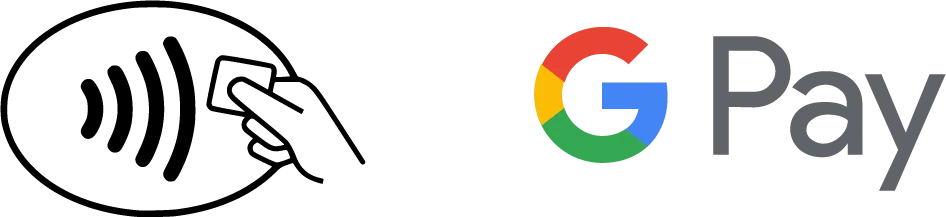
Use Google Pay wherever you see one of these symbols.
The GratiaPay prepaid Mastercard® is issued in Canada by Digital Commerce Bank under license from Mastercard International. Program management and platform services are provided by Pateno Payments Inc. Use of the card is subject to the Cardholder Agreement with Digital Commerce Bank.
** Mastercard® and the Mastercard Brand Mark are registered trademarks of Mastercard.